If your child struggles to hear the difference between similar sounds—like “b” and “d” or “ship” and “chip”—reading becomes so much harder. That’s where Phonics Lab comes in.
This tool trains your child’s ear to hear sound distinctions. It’s called phoneme discrimination, and it’s the foundation everything else in reading builds on.
Let me walk you through how it works.
Getting Started
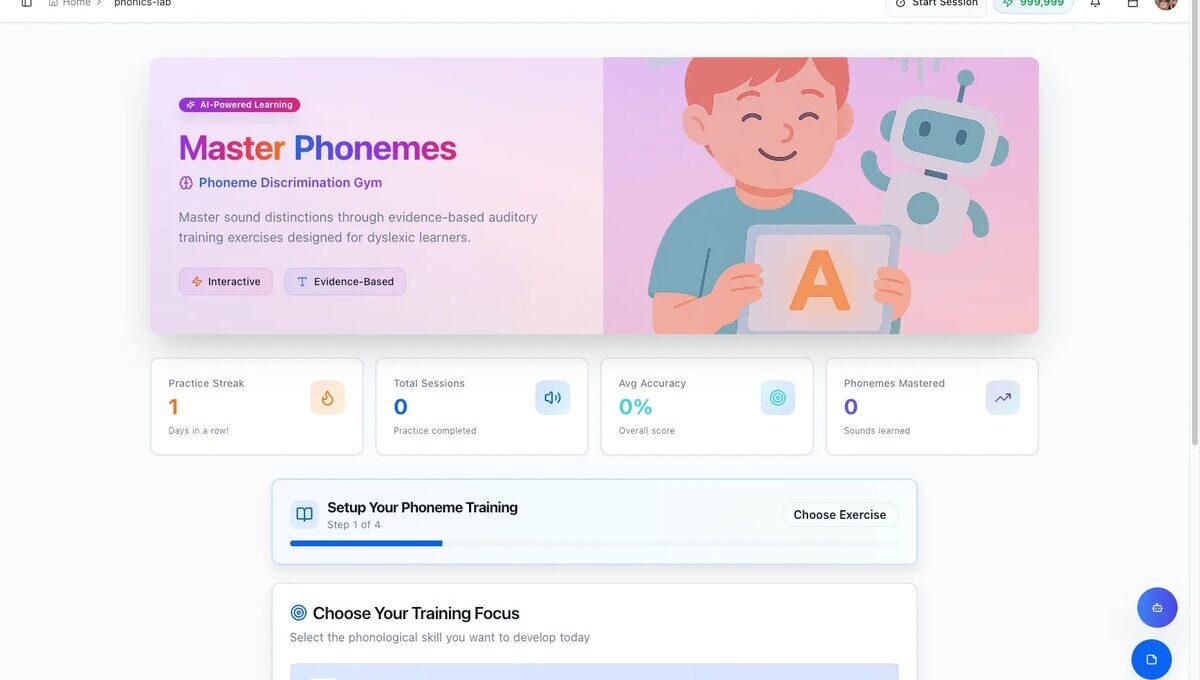
When you open Phonics Lab, you’ll see the main dashboard. It tracks practice streaks, sessions completed, accuracy, and phonemes mastered—so you can watch progress over time.
Step 1: Choose Your Training Focus
First, pick what kind of exercise you want:
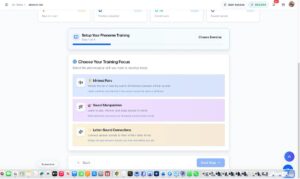
Minimal Pairs – Listen to two words and decide if they sound the same or different. This is where most kids start.
Sound Manipulation – Add, remove, or swap sounds in words. Great for building phonemic awareness.
Letter-Sound Connections – Bridge the gap between what kids hear and the letters they see.
I recommend starting with Minimal Pairs—it’s the most fundamental skill.

Step 2: Pick Your Sound Patterns
Next, choose which sounds to practice. You can select multiple categories:
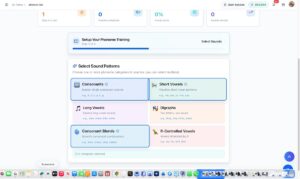
Start with Consonants and Short Vowels for younger or struggling readers. Add Digraphs and Consonant Blends as they progress.
Step 3: Set the Challenge Level
Adjust difficulty from Beginner to Expert, and set session length from 5 to 30 minutes.
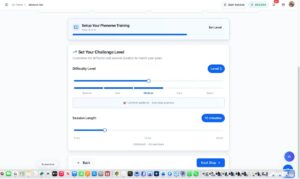
For struggling readers, I’d start at Level 2-3 with 10-minute sessions. Short and successful beats long and frustrating.
Step 4: Review and Start
Before you begin, you’ll see a summary of your choices. You can even add custom words if there are specific ones your child needs to practice.
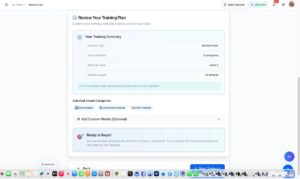
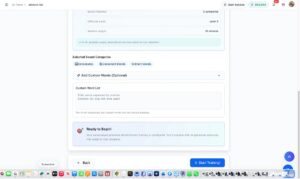
The AI generates unique exercises based on your selections—no two sessions are exactly alike.
Playing the Game
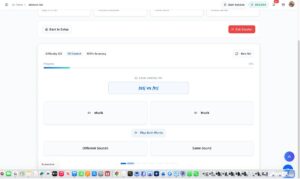
During practice, your child hears two words and decides: Same Sound or Different Sounds?
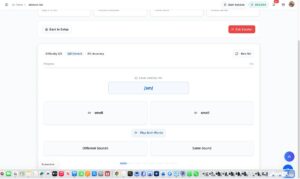
The interface is clean and simple. Kids can replay the words as many times as needed before answering.
Celebrate the Wins
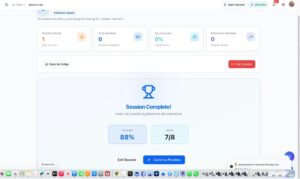
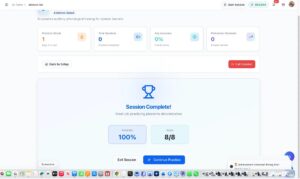
When the session ends, you get a full breakdown of accuracy and score. Kids earn achievement badges to keep them motivated.
Why It Works
Phonics Lab is built on the Orton-Gillingham approach—the gold standard for dyslexia intervention. It’s evidence-based, multi-sensory, and adapts to your child’s progress.
Before kids can blend sounds to read words, they need to hear those sounds clearly. That’s exactly what this tool trains.
Why We Built This
Phonics Lab wasn’t easy to create. It took months of research, testing, and plenty of trial and error before we got it right. Here’s what we learned: a child with dyslexia needs to encounter a word 200 times or more before it sticks. That’s not a typo—two hundred times. So we knew this tool had to make repetition feel fresh, not boring. That’s why the AI generates unique exercises every session, why there are multiple training modes, and why we built in achievements to keep kids coming back. Because the secret to reading success isn’t one perfect lesson—it’s consistent, engaging practice that doesn’t feel like a chore.

Leave a Comment