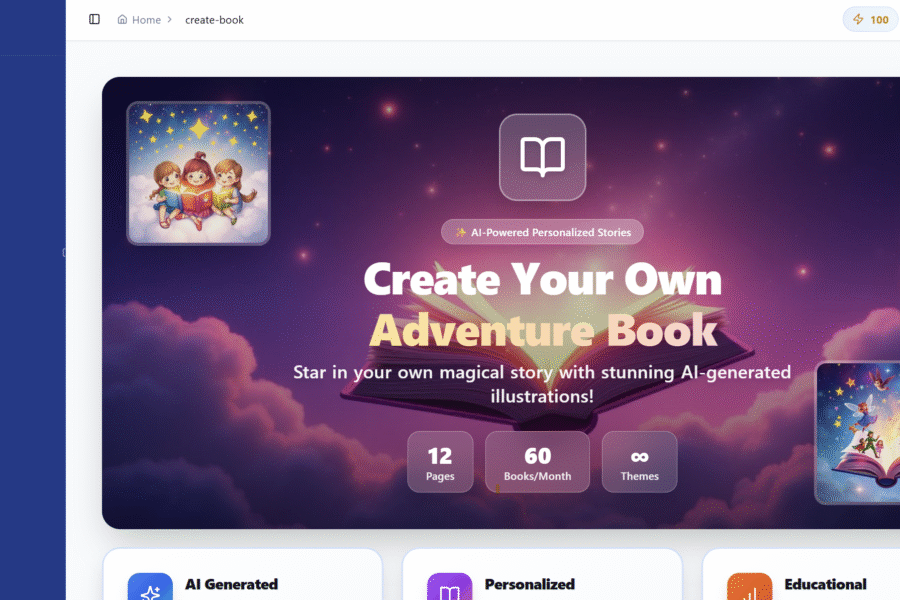

Ever wondered what it takes to create a personalized children’s book starring your own child? With Creat-book, the answer is: about 60 seconds and a few clicks.
Let me show you exactly how we created “Kiki’s Amals Journal” — a story about a caring girl who struggles with social anxiety but finds the courage to make new friends.
Step 1: Choose Your Adventure
When you open Creat-book, you’ll see a Quick Start Guide and several tabs: Create, My Books, Stats, and Custom. Click Create to begin.
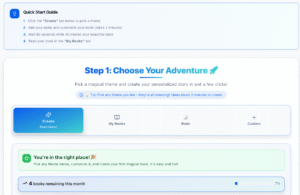
Step 2: Pick a Theme
Browse through magical themes like Space Explorer, Superhero Mission, or Wizard Academy. Each theme includes age recommendations to help you choose. We selected Amals Journal — perfect for a heartwarming story about kindness and connection.

Step 3: Create Your Hero
This is where the magic begins. Enter your child’s name and upload a photo. The AI uses this reference to create consistent illustrations throughout the entire book — same face, hair, and features on every page.
We named our hero “Kiki” and uploaded her photo.

Step 4: Set the Story Settings
Customize the reading level (Beginner, Intermediate, or Advanced) and choose how long you want the book to be (4-12 pages). We chose Level 4 with 10 pages — just right for bedtime reading.

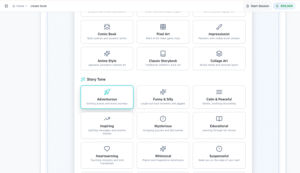
Step 5: Choose Your Style & Tone
This is where you really make it yours. Pick an illustration style (Watercolor Dreams, Fun Cartoon, Anime Style, and more) and a story tone (Adventurous, Funny & Silly, Educational, Heartwarming…).
We went with a Minimalist style and Inspiring tone.

Step 6: Select a Color Theme
Choose from beautiful palettes like Rainbow Magic, Ocean Blue, or Galaxy Stars. We picked Autumn Leaves — warm oranges and golds that made every page feel cozy.

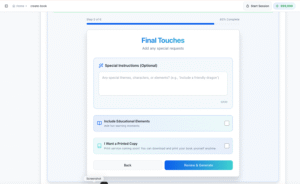
Step 7: Add Special Instructions
Here’s the secret ingredient. In the Special Instructions box, describe your child’s personality, challenges, or anything you want the story to address.
We wrote: “Kiki loves her family, she’s super friendly and caring yet she is scared to make friends, she feels anxious around kids her age.”
We also checked Include Educational Elements to weave in fun facts.
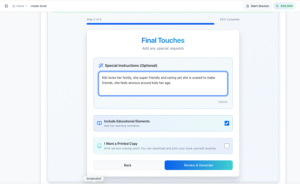
Step 8: Review & Generate
Review your choices — Theme, Hero, Story Settings, and Style — then click Create My Book!

Step 9: Watch the Magic Happen
Sit back for about 30-60 seconds while the AI crafts your unique story with custom illustrations.

The Result
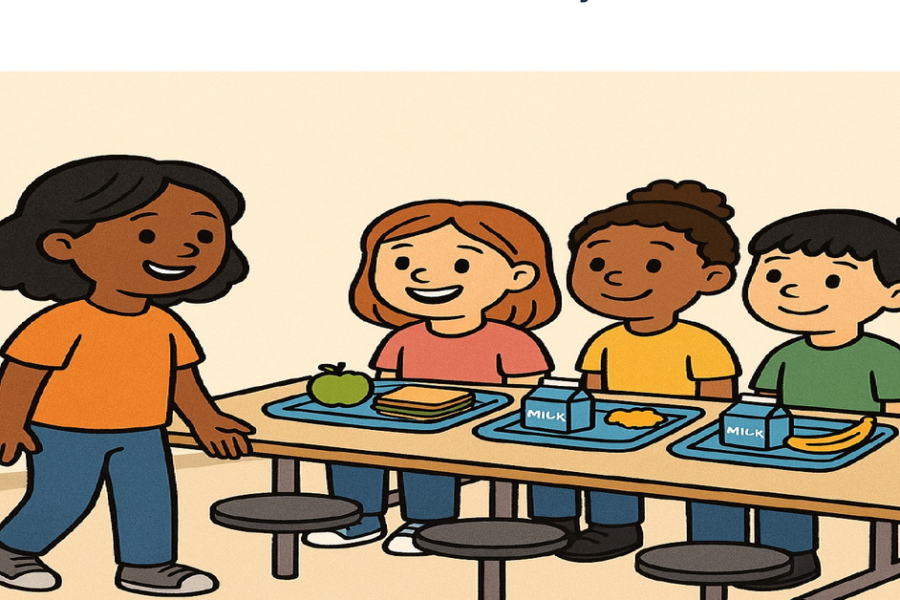
Kiki’s finished book tells the story of a girl who feels anxious about meeting new neighbors, finds courage through creativity, and makes wonderful new friends. Every illustration features her face. Every word speaks to her journey.
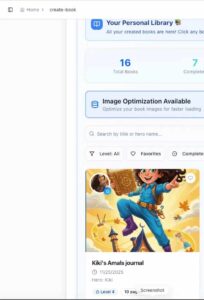
Here’s the whole story — see how Kiki’s journey turned out! ⬇️
Kiki_s_Amals_journal_PrintReady
The book is instantly available in your Personal Library — ready to read online, download as a PDF, or even print as a physical book.
Ready to create your child’s story? Try Creat-book today and watch their face light up when they see themselves as the hero.
👇