

the Snow Day Survival Series
In Part 4.1, we made a dragon Taking a shower. One card. Just to see how the Flash Card Creator works.
But one card doesn’t fill a snow day. The visual schedule had pillow fort, reading, art therapy, and brushing teeth. So I went back in and made a dragon for each one.
Building the Collection
Same steps as before — Cartoon Style, Picture Cards, one card at a time.
Dragon brushing his teeth:


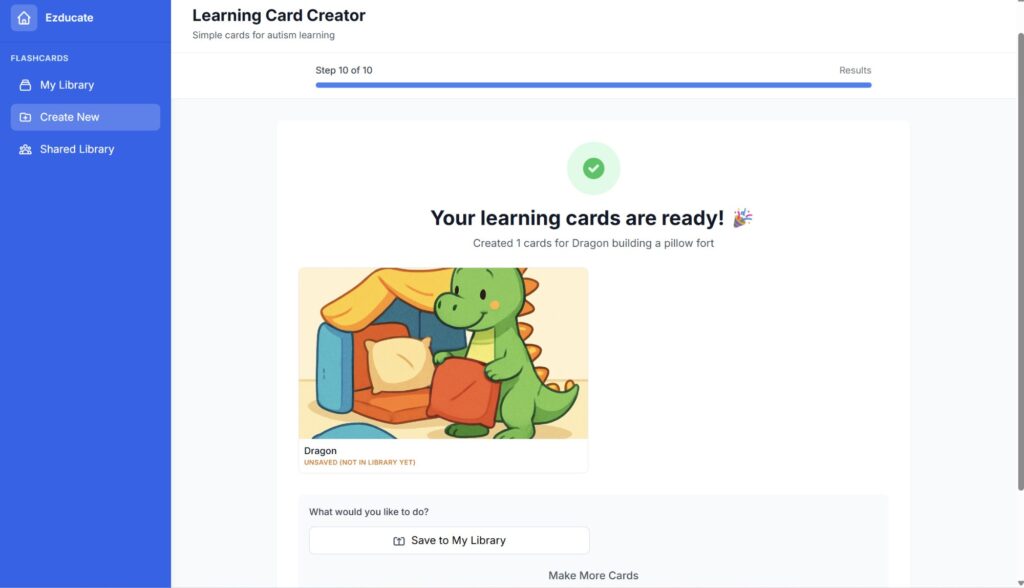
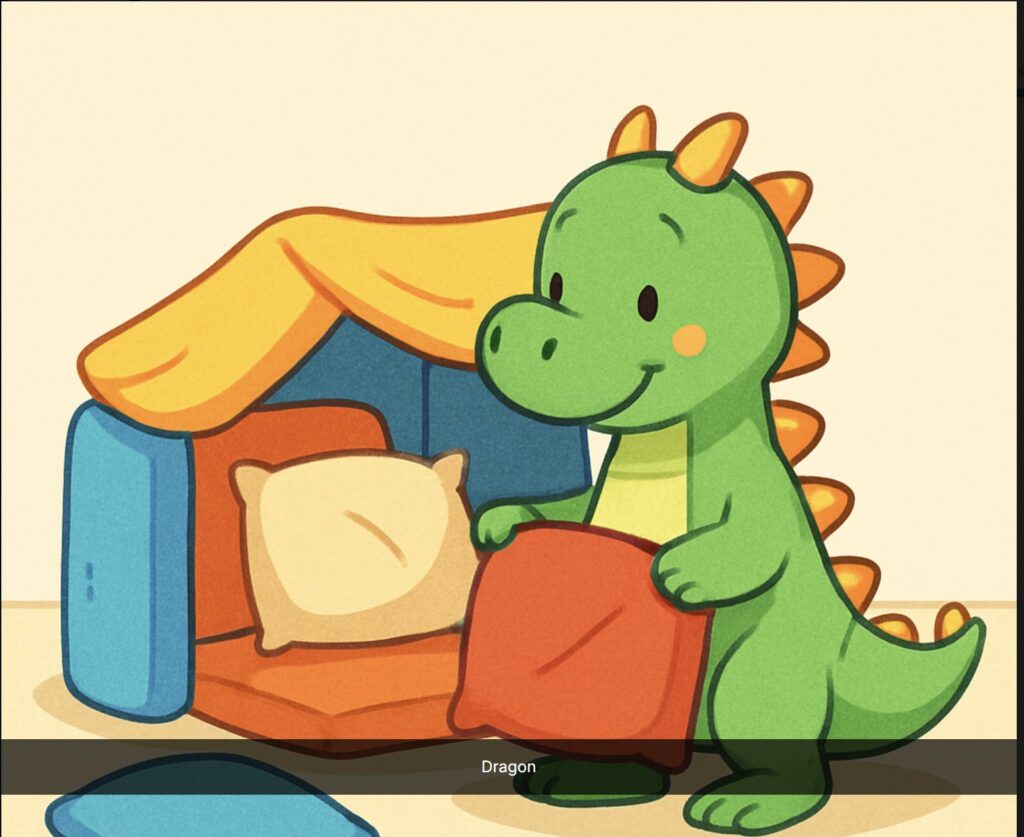
Dragon building a pillow fort:
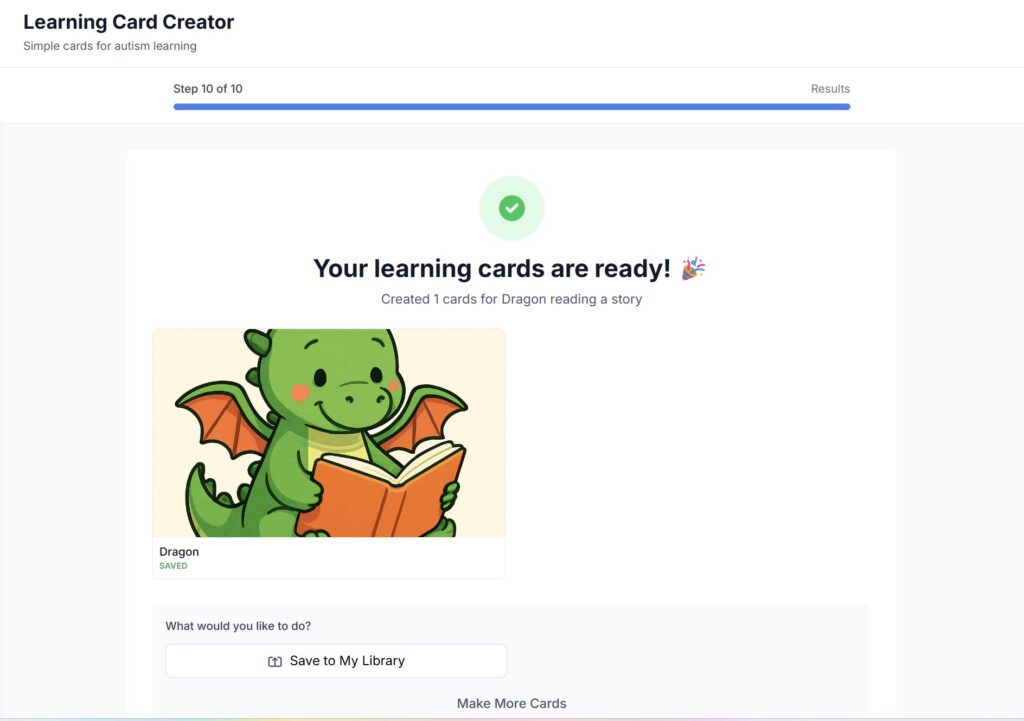
Dragon reading a story:


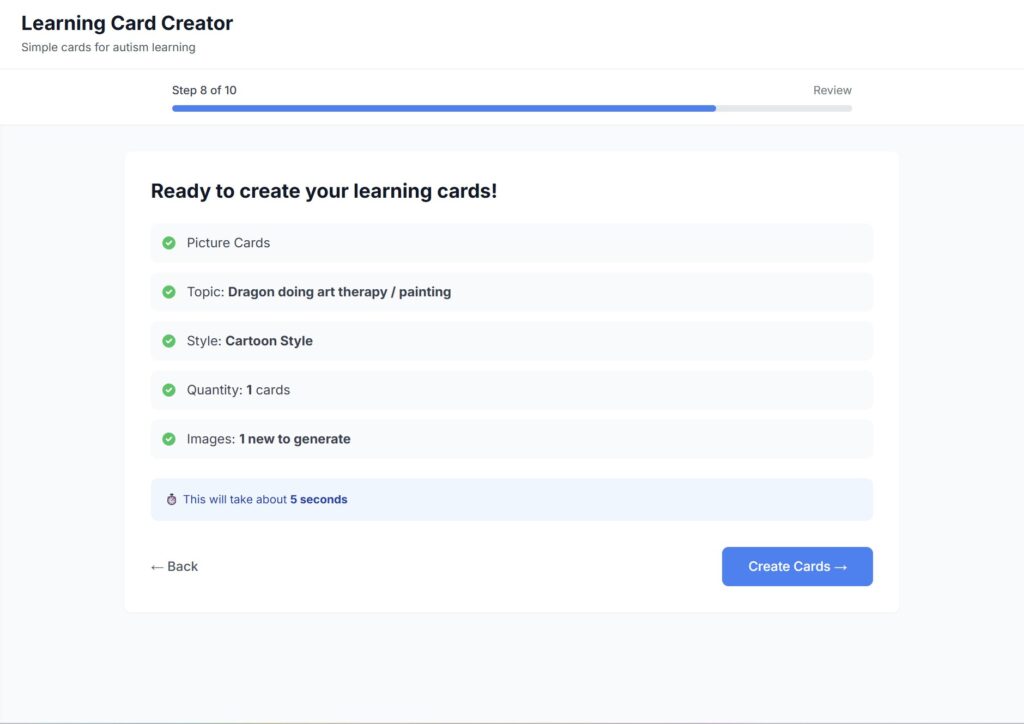
Dragon doing art therapy:

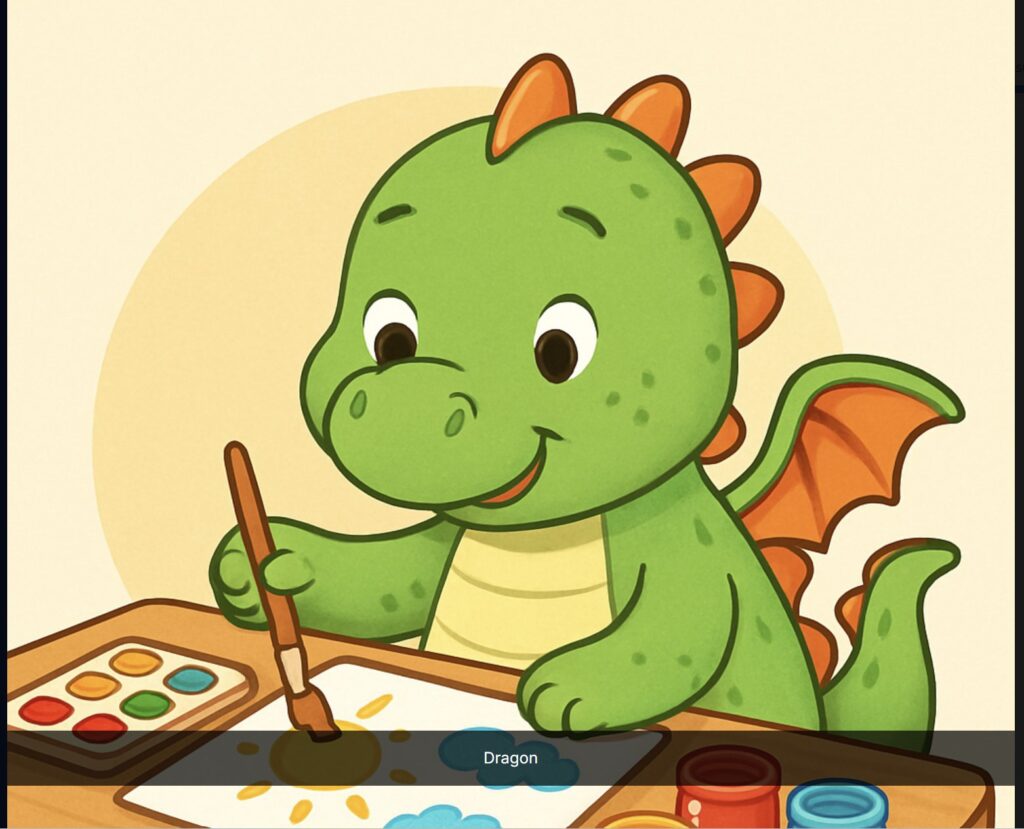
Four cards. Four activities. All saved to My Library.
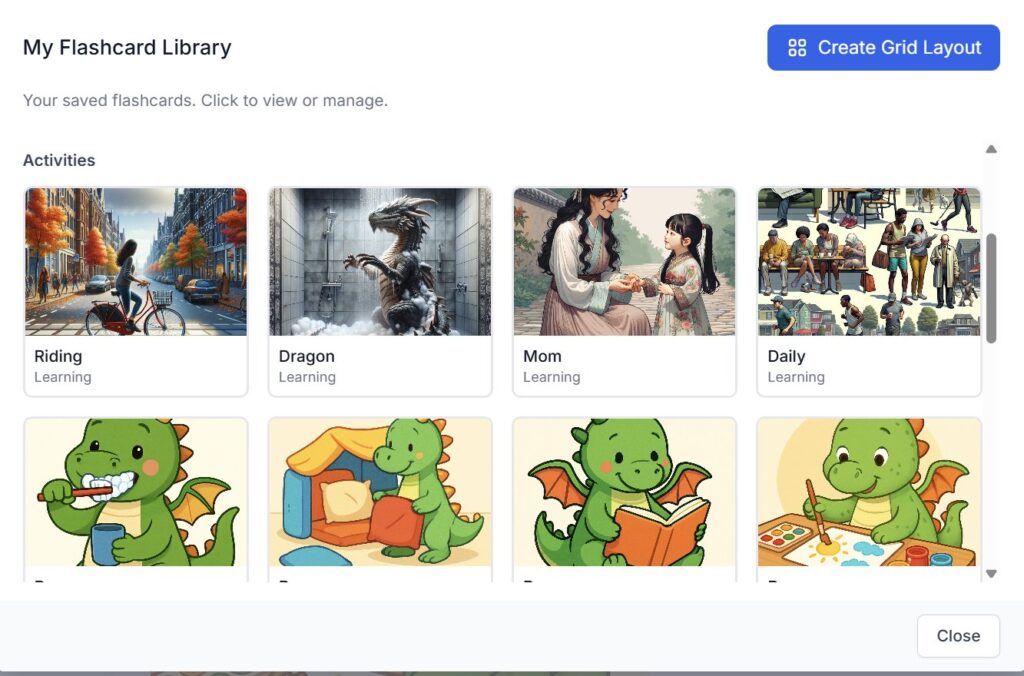
The Grid Layout
This is where it goes from “digital cards on a screen” to “something you can print and stick on the fridge.”
In My Flashcard Library, there’s a Create Grid Layout button in the top right.

I chose a 2×2 grid, named it “Dragon Snow Day Activities,” and selected all four dragon cards.
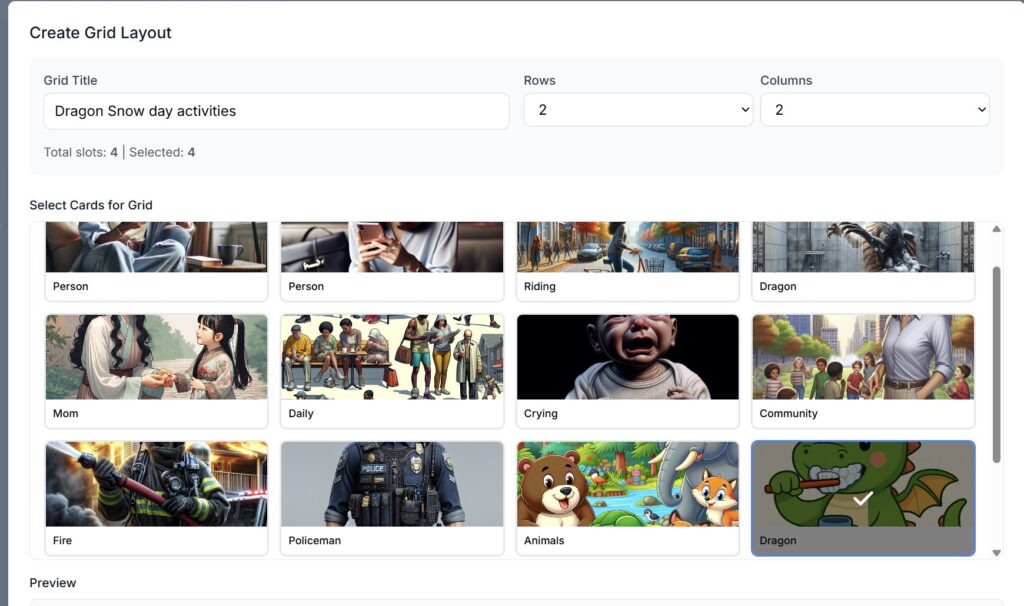
Four dragons. One grid. Ready to go.

Save it — and it asks if you want to download it as an HTML file. I did.
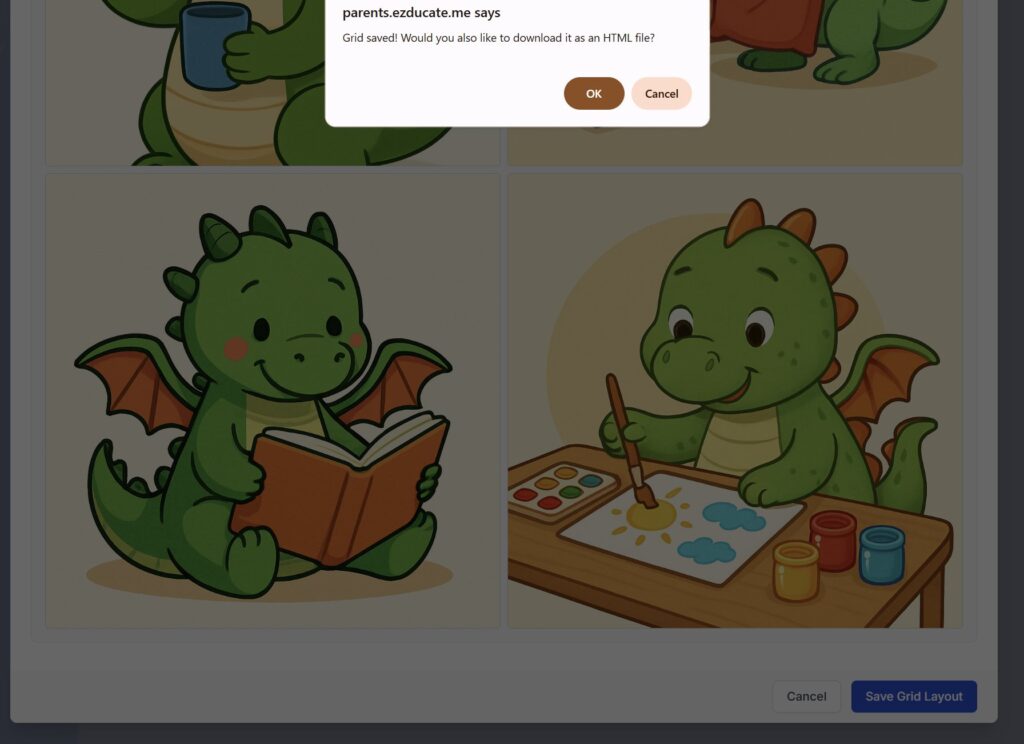
Three Ways to Use It
1. The Sequencing Game Print the grid and put it next to the visual schedule from Part 2. Which activity comes first? Second? Third? They match the dragon cards to the schedule order. Sequencing practice disguised as a game.
2. The Odd One Out Make a new grid with three dragon activities and one that doesn’t belong — maybe a dragon sleeping, or a card from a different set. Ask them to spot the odd one. Critical thinking from flashcards.
3. The Dragon Schedule (my favorite) If your kid is obsessed with dragons the way mine is — use the dragon flashcards as the pictures in their visual schedule. Replace “reading time” with the dragon reading a story. Replace “art time” with the dragon painting. Now the schedule isn’t just instructions. It’s their schedule, with their dragon. That’s the kind of buy-in that gets a kid to actually follow it.
Why This Matters
For a kid who needs to physically move through a schedule — who earns stars by completing activities — a printed grid is the bridge between the app and real life.
He can point to the dragon building a pillow fort and say “I did that one.” He can see what’s next without asking you twelve times.
Make the schedule visible. Make it fun. Make it theirs.
Full Circle
This whole series started with a snow day and a plan. A behavior intervention plan led to a visual schedule. The visual schedule led to a social story. The social story led to flashcards. The flashcards led to a grid you can print, laminate, and stick on the fridge. Five tools. One snow day. And every single one built on the one before it. But here’s the part I didn’t plan for.
Today I picked up my daughter from school and she told me she has Monday and Tuesday off. Before I could say anything, she asked me to create a visual schedule for her days off. She asked. That’s not something I made her do — that’s something she wanted because it works for her. I almost cried in the car.
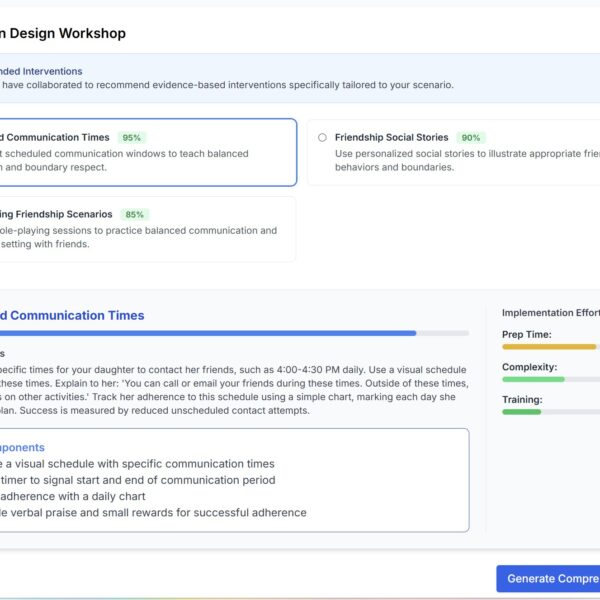
And honestly? I needed to hear it today. Because this weekend I’m sitting down to write a new behavior intervention plan for her — this time about boundaries in friendships. She made two friends recently, which is huge. But she’s so excited about them that she’s become a little overwhelming. That’s the thing about progress — it comes with new challenges. She learned to connect, and now she needs to learn how much is too much.
That’s the real life behind these tools. It’s not one plan and done. It’s a cycle. Something works, something new comes up, you build the next thing. A snow day plan becomes a friendship plan becomes whatever she needs next.
And every time, you have something to start with instead of starting from scratch.
Five parts. Five tools. One very real parenting journey.
EZducate — AI-powered, parent-controlled.



Leave a Comment