How to Use Sentence Architect: A Step-by-Step Guide
If your child struggles to put words together into sentences, you’re not alone. Sentence Architect makes writing feel like a fun puzzle instead of a chore. Here’s how it works.

Step 1: Pick a Topic and Level

Choose from fun topics like Nature & Animals, Food & Cooking, or School & Learning. Then select a difficulty level—Beginner for simple sentences, Intermediate to add adjectives, or Advanced for complex structures.
Step 2: Build Your Sentence
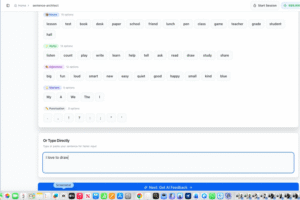
Here’s the magic: your child can click words from the color-coded word bank OR type their own sentence freely. They’re not limited to the tiles! If they use the word bank, verbs are automatically conjugated correctly—so they learn proper grammar without the frustration.
Step 3: Get Instant AI Feedback
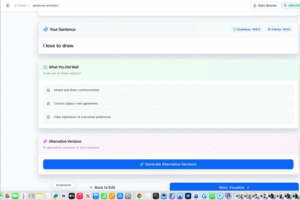
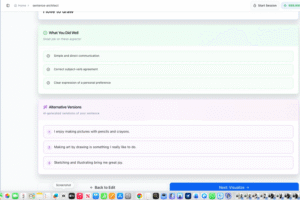
The AI checks grammar and clarity, showing what your child did well—like correct subject-verb agreement. It even suggests alternative ways to say the same thing, helping expand their vocabulary.
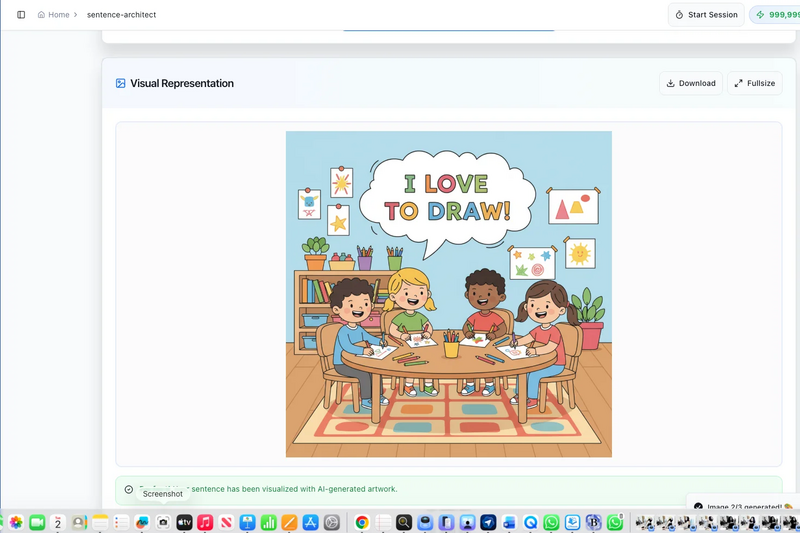
Step 4: See It Come to Life
This is the part kids love most. Click “Generate AI Image” and watch their sentence turn into a colorful illustration. It makes their words feel real and celebrates their effort.
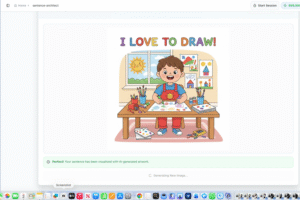
That’s it! Save their work and watch their confidence grow, one sentence at a time.
Our Journey So Far
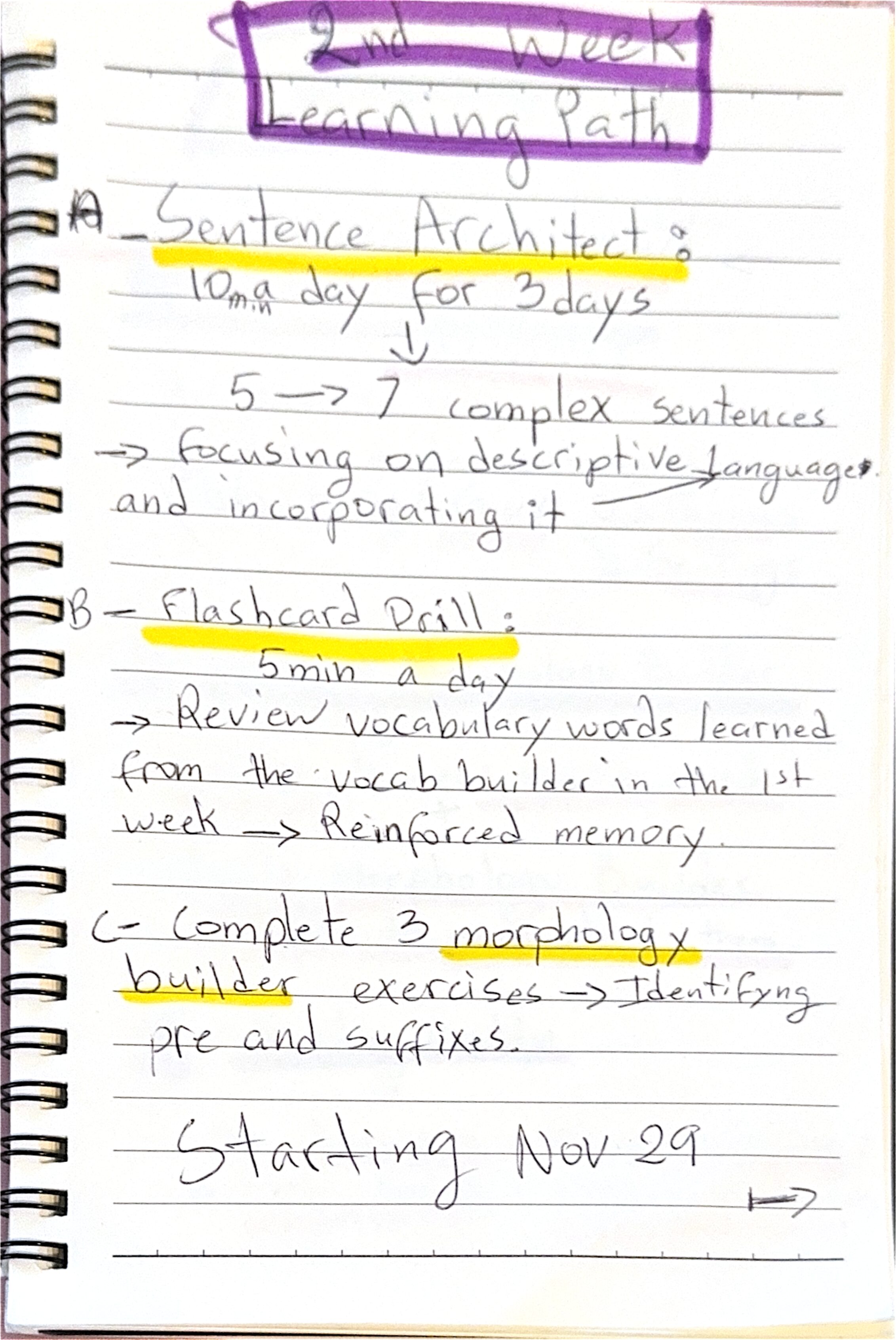
This was week two of my daughter’s learning path schedule, and I’m already seeing small wins. Sentence Architect is helping her build both comprehension and creativity—two things that don’t always come naturally when writing feels hard. Watching her light up when her sentence turned into a picture? That’s the kind of moment that makes it all worth it.
Next week, we’re diving into the Flash Card Drill app. I’ve touched on it before, but this time I’ll give you a more focused, step-by-step walkthrough so you can see exactly how it fits into our routine.
Stay tuned—and if you try Sentence Architect with your child, I’d love to hear how it goes!