
I walked into that school meeting expecting to fight.
You know the feeling. You prepare your notes, rehearse what you’re going to say, brace yourself for pushback. As parents of kids who learn differently, we’re always ready to advocate.
But this time? The meeting went completely different.
She’s Thriving
Her case manager — who’s also her algebra teacher — started talking, and I couldn’t believe what I was hearing.
Amal is getting all As and B pluses. She works well with others on group projects. She turns in her schoolwork on time. She’s advocating for herself in class.
And then her teacher said it: “Her vocabulary has gotten so much better.”
I had tears in my eyes. Right there in that meeting. I couldn’t help it.
All those early mornings. All those 20-minute sessions. All those moments wondering if any of this was working. It’s working.
About the Test Anxiety
We also talked about the test freezing — how she knows the material but struggles when that test paper hits her desk.
Her teacher told me something I needed to hear: “You’re doing the best you can. You’re giving her the tools. Keep talking to her about it.”
But here’s what meant the most — she said she’d talk to Amal too. Because sometimes it helps when it comes from a teacher, not just mom.
I’m not alone in this anymore. The school is with us.
What Week 3 Looks Like
Building on Weeks 1 and 2, here’s what we’re doing:
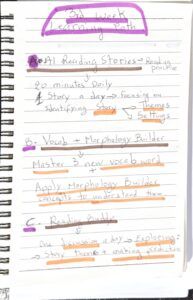

A. AI Reading Stories — 20 minutes daily
One story a day, focusing on identifying themes and settings. She’s not just reading anymore — she’s understanding.
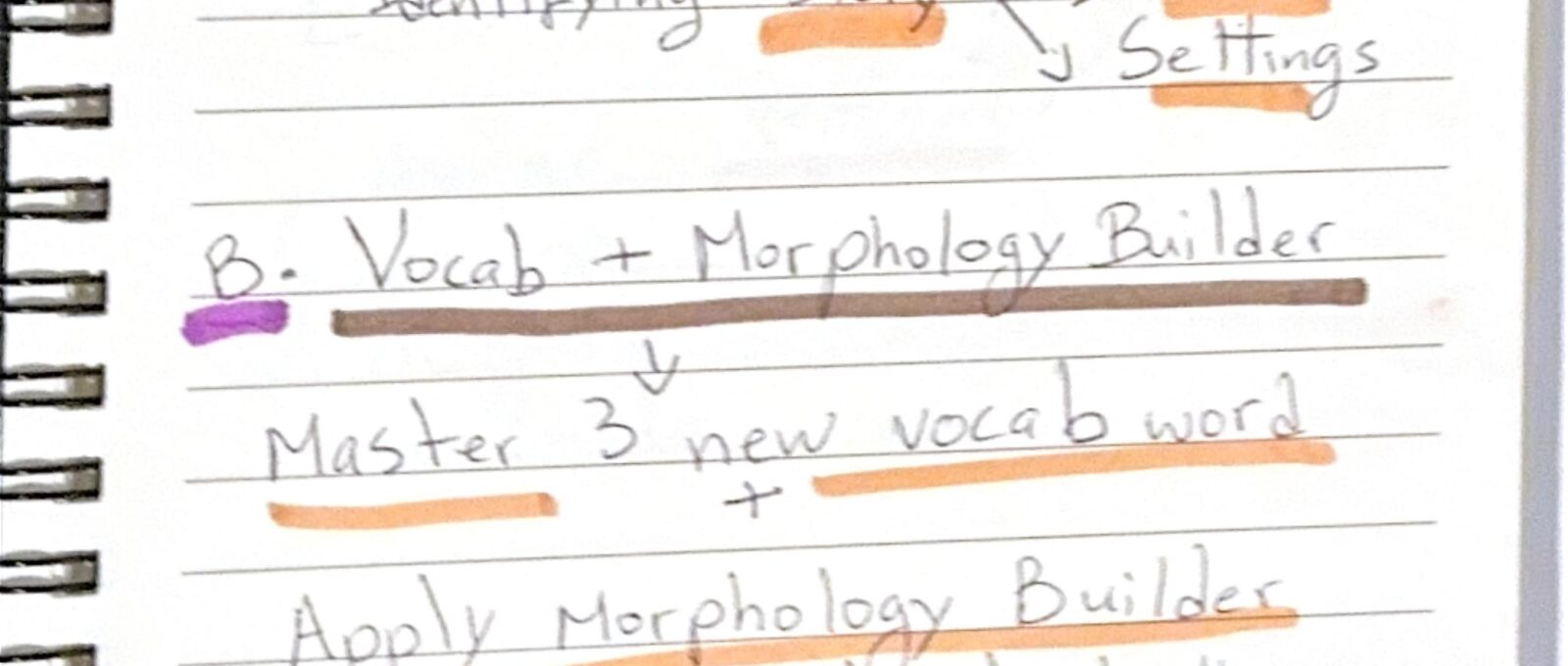
B. Vocab + Morphology Builder — 3 new words
She masters 3 new vocabulary words and breaks them down to really understand them.
👉 Check out our step-by-step guide: https://www.ezducate.ai/blogs/morphology-builder-step-by-step/
C. Reading Buddy — 1 discussion a day
Daily conversations exploring themes and making predictions. This is where her vocabulary shines.
👉 Check out our step-by-step guide: https://www.ezducate.ai/blogs/how-to-use-an-ai-reading-tutor-to-help-your-child-read-better/
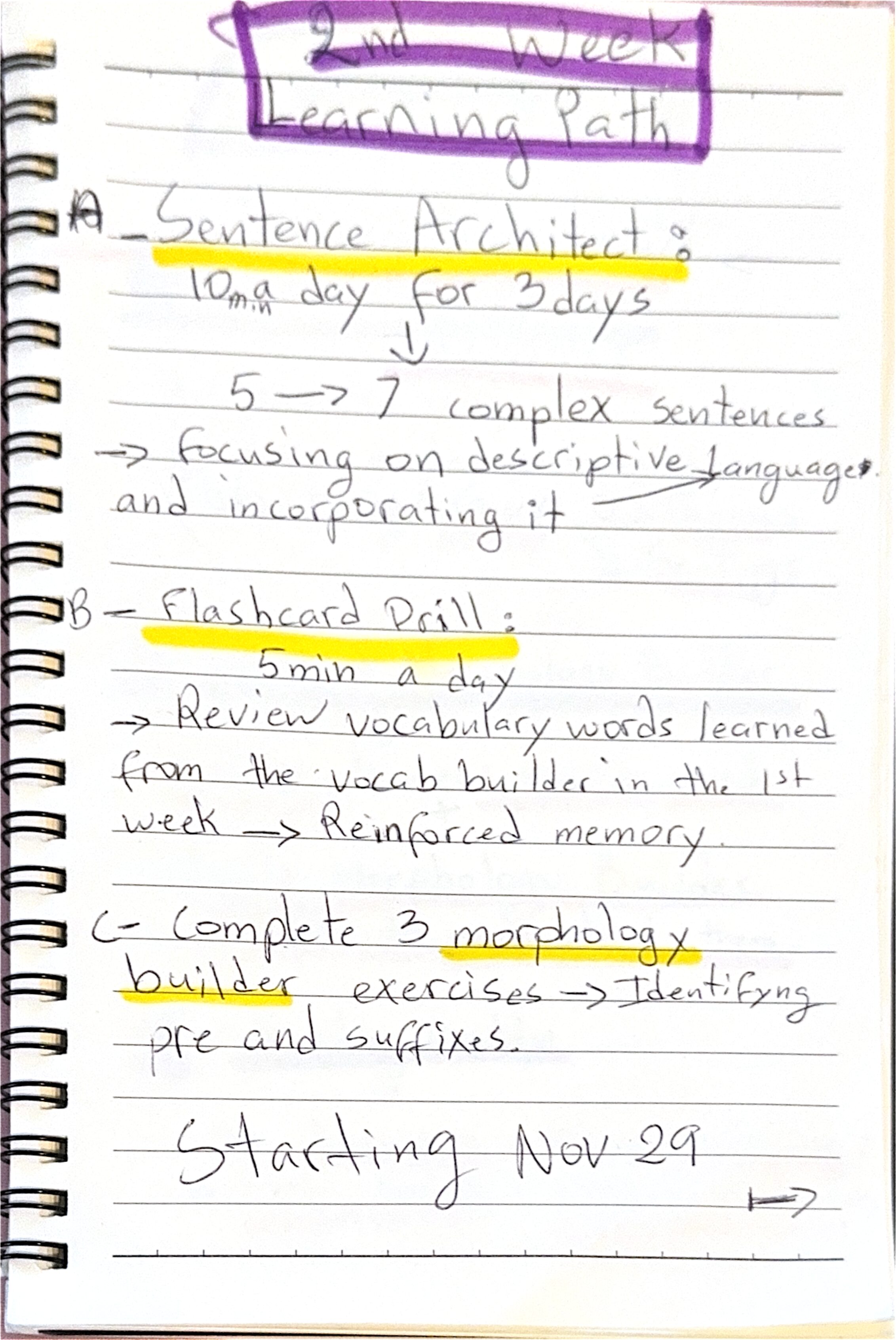
D. Sentence Architect — 1 exercise a day
Descriptive sentences focused on Adventure and Fantasy themes. She’s learning to paint pictures with words.
👉 Check out our step-by-step guide: https://www.ezducate.ai/blogs/sentence-building-for-kids-turn-writing-struggles-into-wins/
The Secret Weapon: Smart Notes
There’s one feature in EZRead that’s become Amal’s best friend — Smart Notes.

It’s available on every single page of the platform. Whenever she learns a new word, she writes it down with its definition and an example.
Right now she has 32 notes saved — words like “leisurely,” “sully,” “biodegradable,” and “sanguine.” She can pin her favorites, color-code them, and add tags.
Why does this matter?
Because when it’s time to write in Sentence Architect, she pulls up her notes. She’s not just using the same words over and over — she’s reaching for those new vocabulary words. Words she might have forgotten otherwise.

You can also create Session notes to track progress, set goals, and write observations.
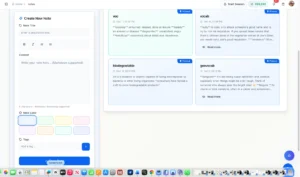
It’s like having a personal dictionary of everything she’s learned. And it’s hers.
To the Parents Still in the Trenches
If you’re here, you’re probably going through something similar. Maybe your child struggles with reading. Maybe it’s math. Maybe it’s focus, or anxiety, or something you can’t even name yet.
I see you. This stuff is hard. Some days feel like breakthroughs. Other days feel like you’re starting over. But here’s what I’ve learned: progress isn’t a straight line. It’s messy. It’s slow. And sometimes you can’t even see it until you look back.
Your child is trying. You are trying. And that matters more than any test score.
Keep going. Your child is lucky to have you in their corner.
What’s Next
Week 3 wraps up tonight. We made it.
Tomorrow, I’ll be sitting down to handwrite Week 4 — the final week of this Learning Path session.
It’s been quite a journey. And we’re not done yet.
Stay tuned for the finish line.


Leave a Comment