
Part 3 of the Snow Day Survival Series
In Part 1, we built a behavior intervention plan. In Part 2, we turned it into a visual schedule. The schedule included one activity we hadn’t built yet: a social story about unexpected changes.
So I sat down to create it. I opened the Social Stories tool and started walking through the 6 steps. Then my daughter’s mood shifted.
She’s 14. Big feelings. The kind that don’t fit neatly into a schedule. So I did what any parent would do: I pivoted.
The 6-Step Story Generator

Step 1: Story Type — Choose from Everyday Experience, School Scenario, Social Interaction, Transition/Change, Emotional Situation, or Custom Theme.

I started with the snow day story: “a 6-year-old boy with autism about unexpected schedule changes.”

Step 2: Target Skill — Pick from presets or write your own.

Step 3: Story Details — Set length, reading level, communication style, and emotional complexity.
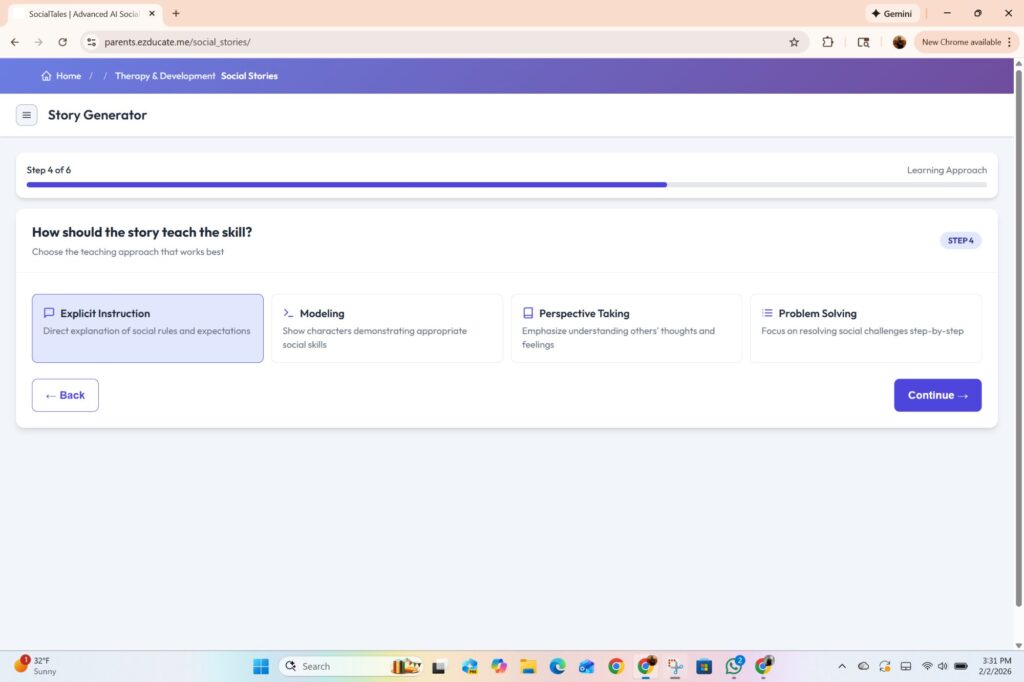
Step 4: Learning Approach — Explicit Instruction, Modeling, Perspective Taking, or Problem Solving.

Step 5: Visual Elements — Choose number of images, Comic Book Mode, and Learning Supports like Thought Bubbles and Social Rules.


Step 6: Final Touches — Review everything, then hit Generate.

The AI generates the story text first, then creates custom illustrations one by one.
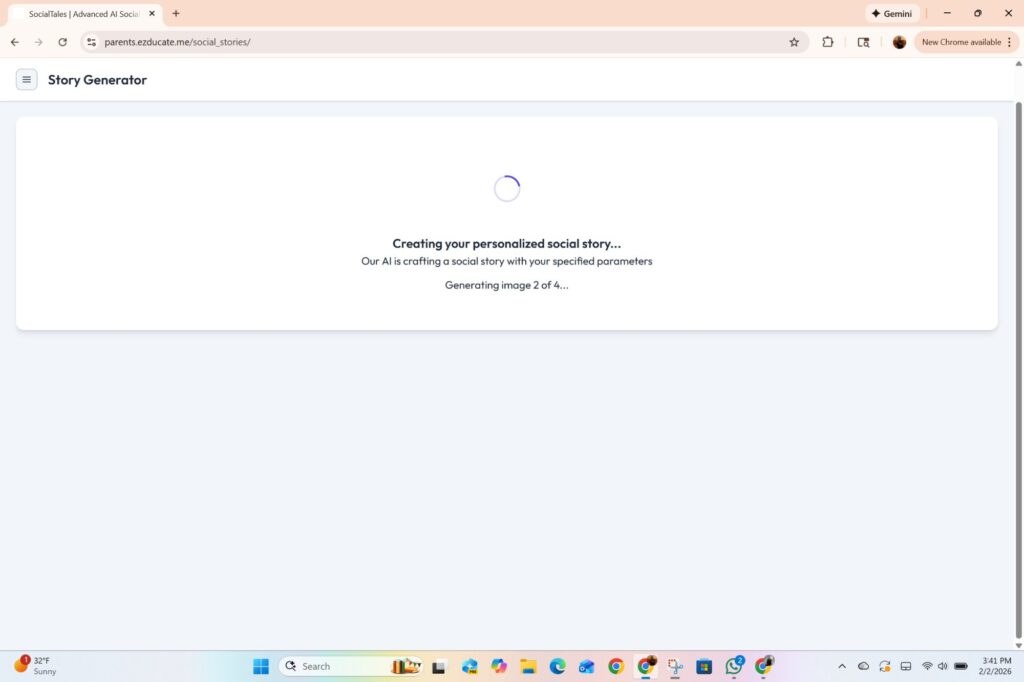
The first story didn’t feel right. I hit Regenerate — one click, same settings, fresh story. And that’s when my daughter had an emotional breakdown. I closed my laptop and went to her.
The Pivot
I didn’t just create a social story for my daughter. I sat her down and we built a visual schedule together — the same tool from Part 2, but for her. For today. For right now.
14 activities. Art therapy to get her feelings out. Meditation to calm down. Music session because that’s her outlet.
And look at 4:45 PM: “Creating a Social Story.”
We built the social story TOGETHER as one of her activities.
The schedule ends with “Silly living-room dancing” — because after a hard day, you need to move your body and laugh.
The Finished Story
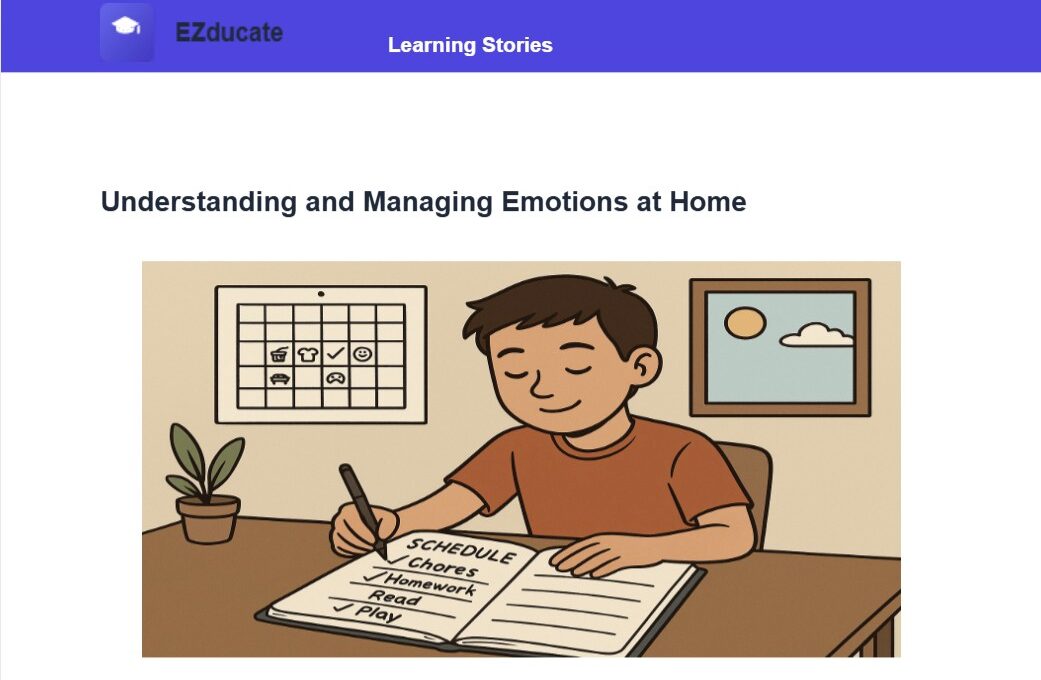
Understanding and Managing Emotions at Home – Social Story
♥ A 7-page PDF — not just a story, but a complete learning module:
♥ Cover page with metadata
♥ Story pages with AI-generated illustrations
♥ Key Social Concepts and Social Rules
♥ Comprehension Quiz with answers
♥ Social Cues Guide with practice scenarios
This Wasn’t the Plan
I sat down to write a social story for a 6-year-old boy. I ended up creating one for my 14-year-old daughter — and building her a visual schedule in real-time while she was still in the middle of her feelings. Same tools. Different child. Different moment.That’s the point. These tools are fast enough to use when you actually need them.
What’s Coming
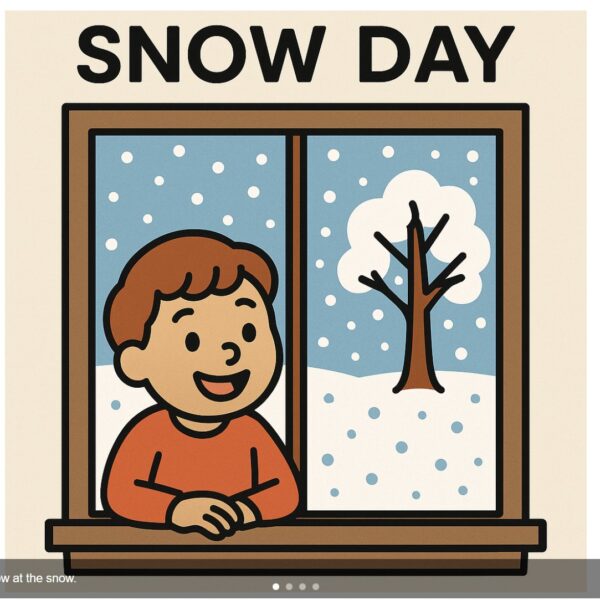
The snow day social story is still coming. And after that: Flash Cards.
Part 1: Snow Day Survival Starts with a Plan
Part 2: The Plan Said: Build a Visual Schedule
Sometimes the best content comes from the moments you didn’t plan.
EZducate — AI-powered, parent-controlled.


Leave a Comment