
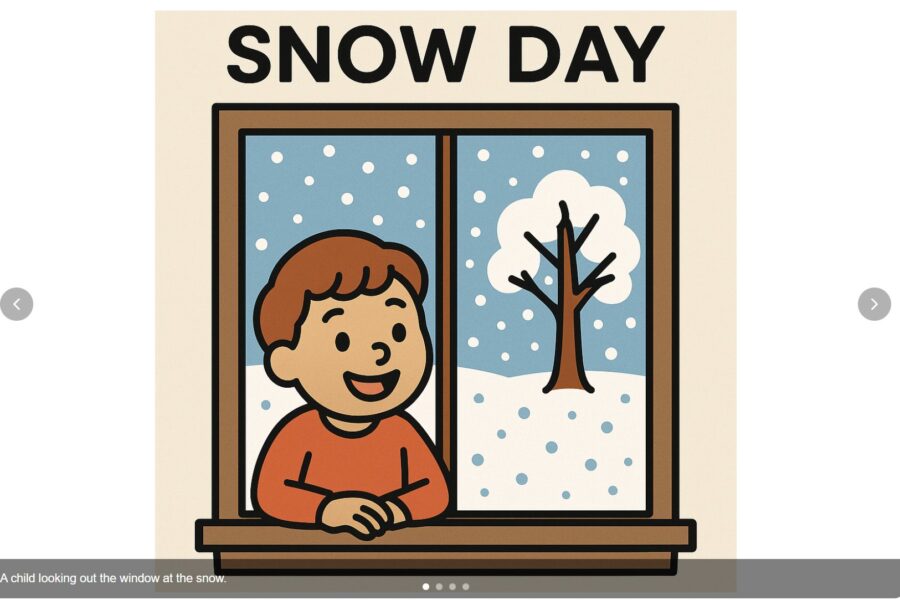
In Part 1, we built a behavior intervention plan for a 6-year-old with autism stuck inside on a snow day. The plan recommended one thing above all else: a structured visual schedule with indoor activities, visual supports, and a token reward system.
Now we’re going to build it.
The Dashboard
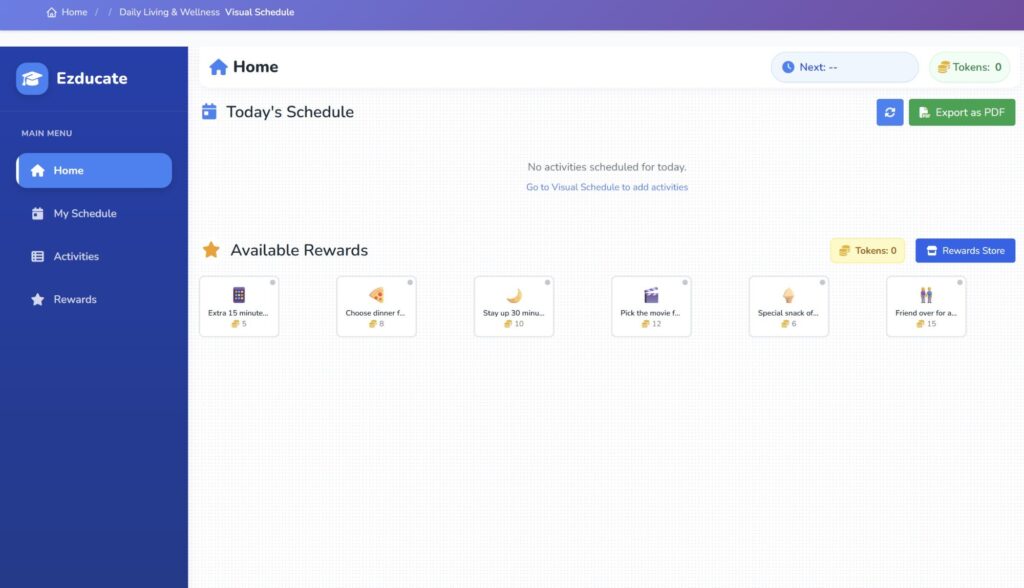
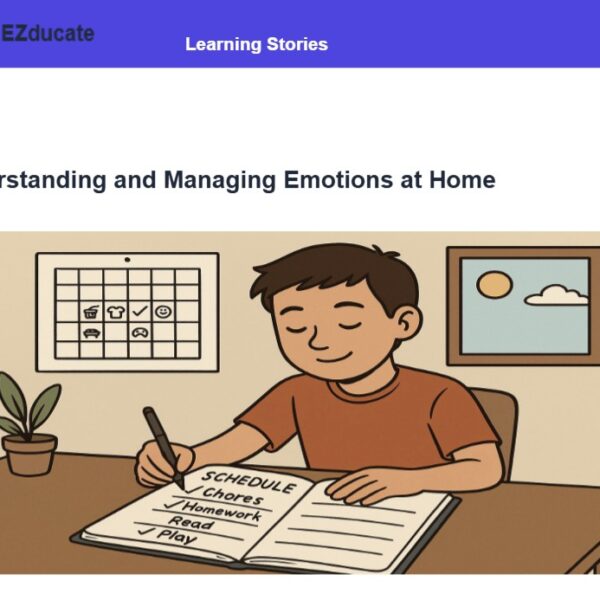
When you open Visual Schedule, here’s what you see: Today’s Schedule (empty for now), Available Rewards already stocked with options your child helped pick, and an Export as PDF button. Clean, simple, ready.
Your Calendar and Activity Library
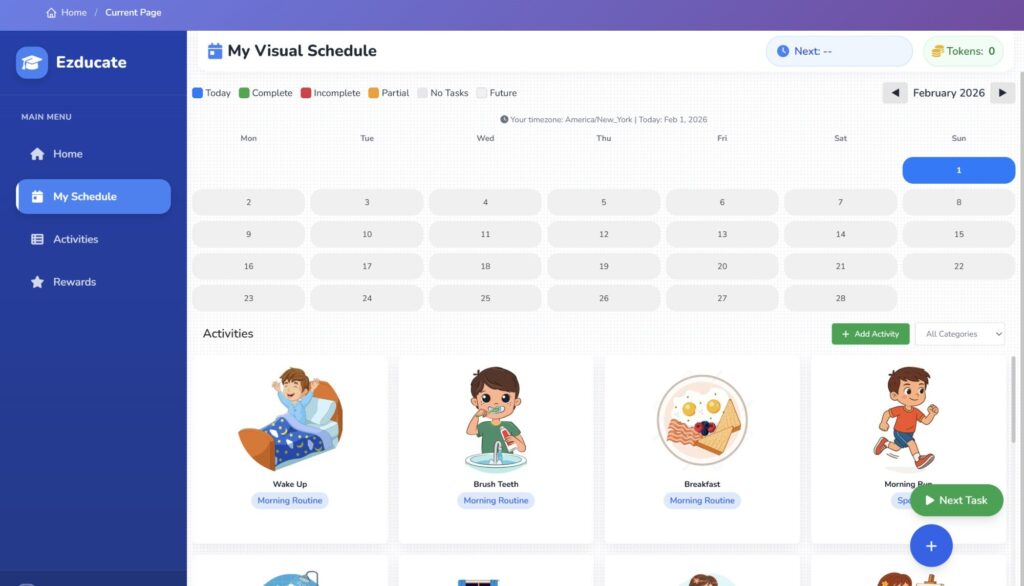
Click “My Schedule” and you get a full calendar view with a library of pre-built activities below it — Wake Up, Brush Teeth, Breakfast, Morning Run, Art Therapy, Puzzle Time, Music Session, and more. Each one has a custom illustration your child will actually recognize.
Start Building
Click today’s date and hit “+ Add Activity.” You can pick from existing activities, set the time, duration, and token reward. But see that button at the bottom? “AI Suggest.” That’s where it gets interesting.

Let the AI Build Your Day
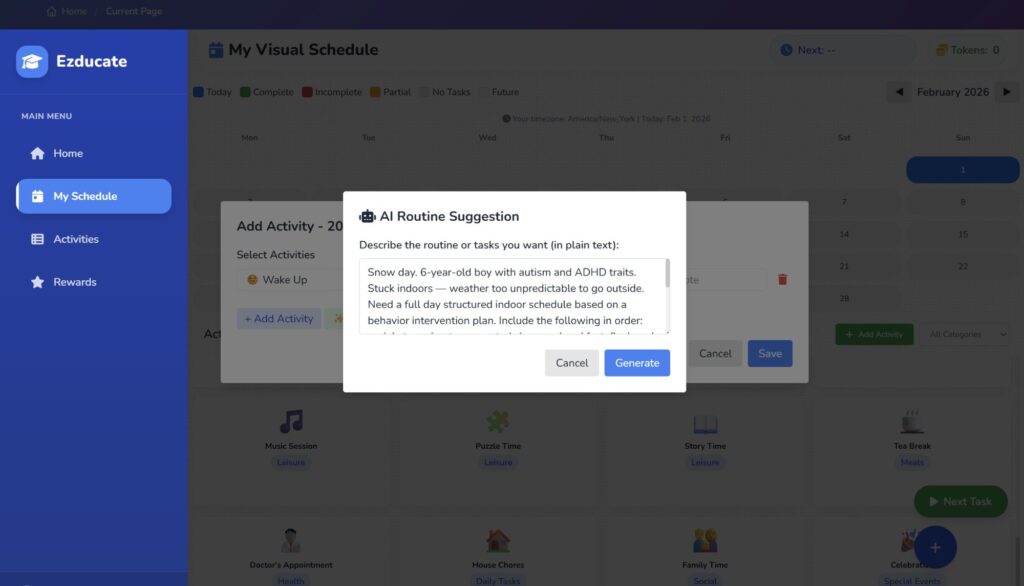
We typed in everything the behavior plan told us: snow day, 6-year-old, autism and ADHD traits, stuck indoors, needs a social story, flashcard games, movement breaks, sensory play, meals, rest, and a movie reward at the end.
Hit Generate.
What the AI Created
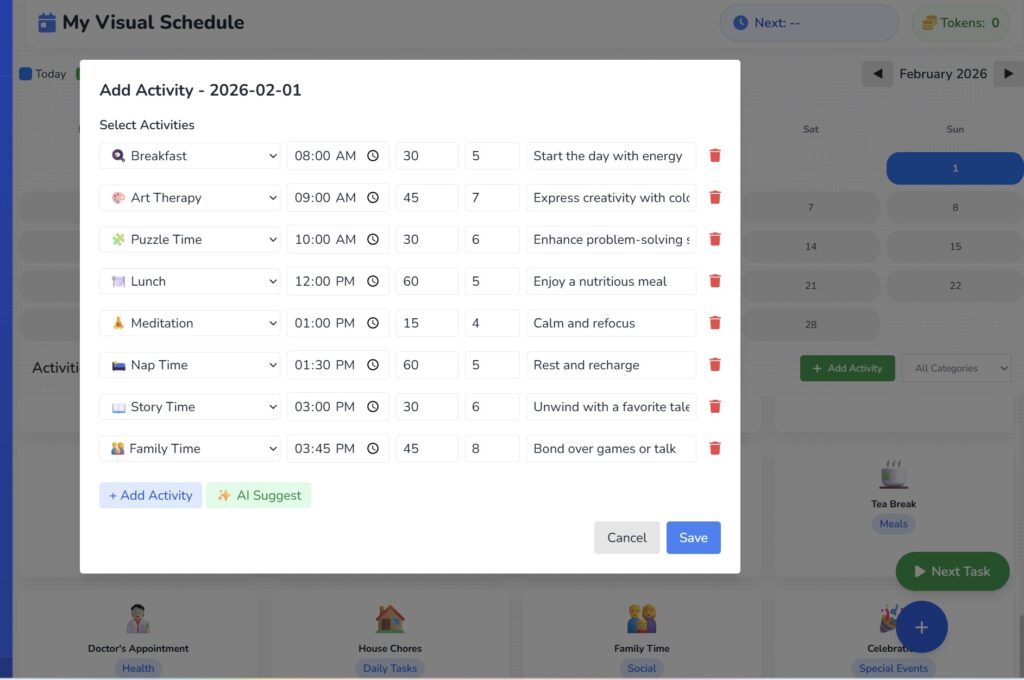
In seconds, the AI generated a full day: Breakfast, Art Therapy, Puzzle Time, Lunch, Meditation, Nap Time, Story Time, Family Time — all with times, durations, and token values assigned.
Good start. But not everything we needed.
The behavior plan specifically called for a social story about unexpected changes, physical flashcard games, a dance party movement break, and sensory play. The AI gave us the foundation — now we needed to make it ours.
Make It Yours
This is where you take control. We created a new activity called “creating a Social Story” — picked a category, added an emoji, and you can even upload a custom image.
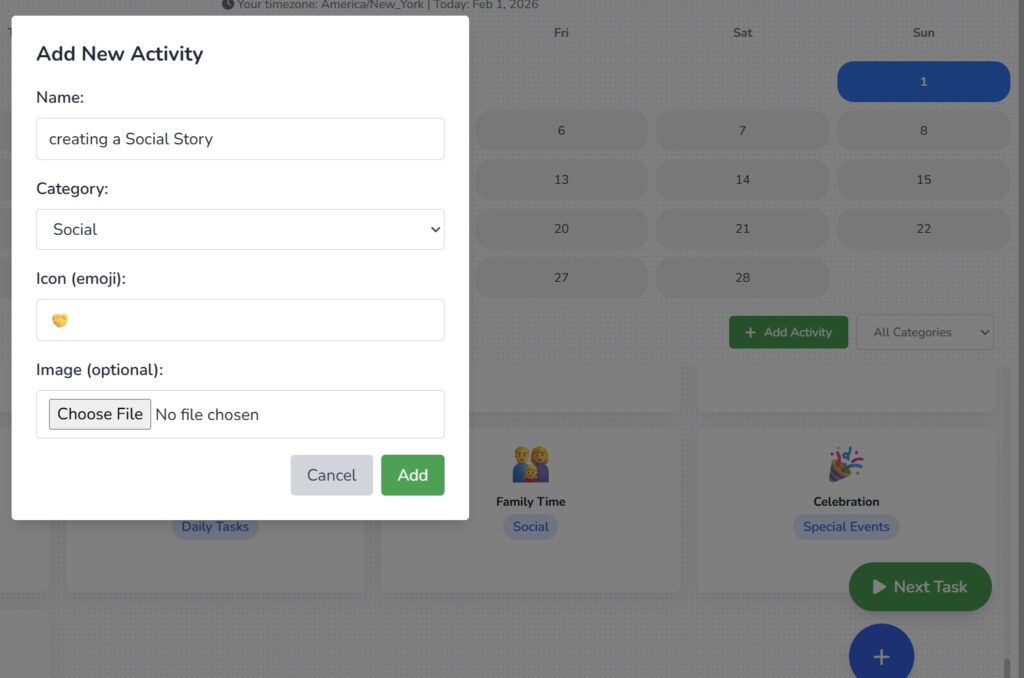
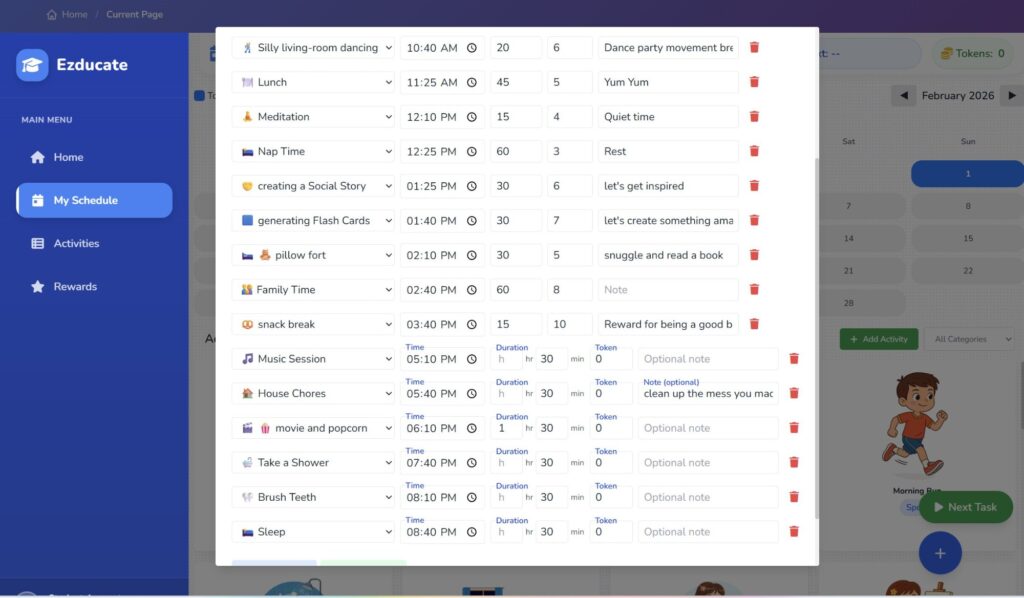
We did the same for Flash Cards, a pillow fort for sensory play, silly living-room dancing for a movement break, and movie and popcorn as the big end-of-day reward.
The Full Day
20 activities. 9:00 AM to 8:40 PM. Every activity has a time, duration, and token value. The AI built the skeleton. We added the soul.
What Your Child Sees
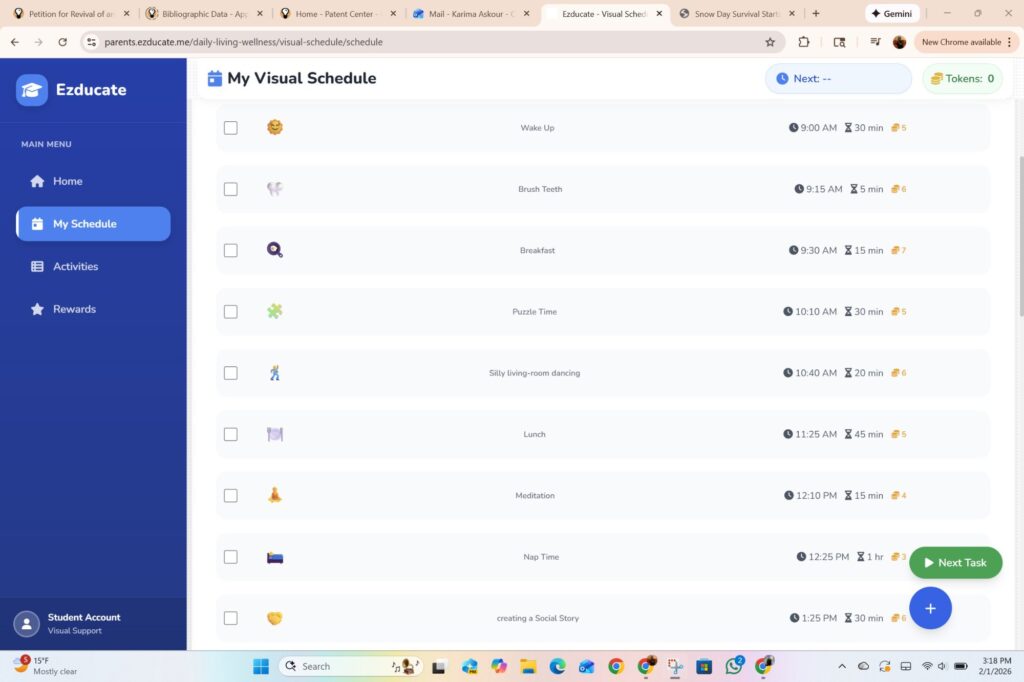
This is the student view. Clean, visual, emoji-driven. Each activity shows the name, time, duration, and token reward. There’s a “Next Task” button at the bottom. It’s designed for kids — not parents.
Your child doesn’t see the backend. They see a list of activities with tokens to earn. That’s predictability. That’s control. That’s what the behavior plan prescribed.
The Rewards Store
This is where it gets really fun. Notice the timer at the top: “Next: snack break — in 19m 32s.” The schedule is LIVE.
The Rewards Store comes stocked with options: extra screen time, choose dinner tonight, stay up late, pick the movie, special snack, friend over for a playdate.
Here’s the secret: let your child pick the rewards. When THEY choose what they’re working toward, those tokens suddenly matter. We wrote a whole blog about how this rewards-first approach saved our summer — it works.

Make the Reward Real
When you add a custom reward, you can upload an actual photo of it. We added “Fire Truck toy — 10 tokens” and uploaded a picture of the exact toy.
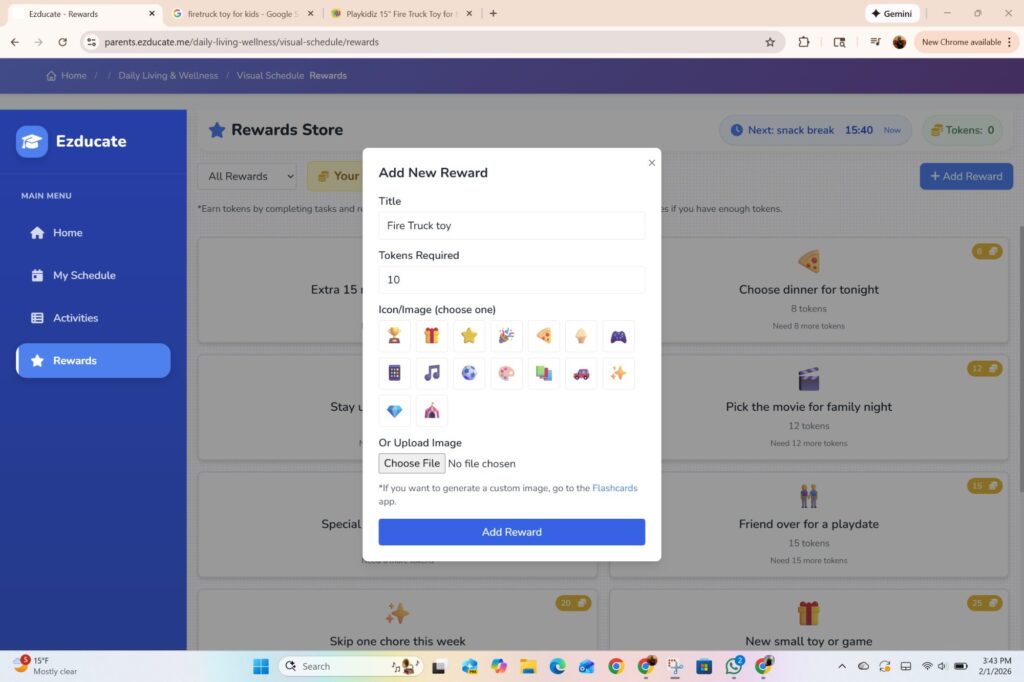
Now every time your child checks the Rewards Store, they don’t see text. They see THEIR fire truck. That’s motivation you can’t fake.

Export and Go
One more thing — you can export the entire schedule as a PDF. Print it, stick it on the fridge, or share it with a therapist, teacher, or babysitter. The schedule isn’t locked inside the app.
Every Day Is Different — and That’s the Point
The best part? You can change the schedule every day. Let your child help pick tomorrow’s activities — within reason, of course. Maybe today it’s a pillow fort and dancing. Maybe tomorrow it’s painting and baking cookies. When kids have a say in their day, they learn something powerful: it’s okay when plans change. And when the schedule is built around fun, structure stops feeling like a rule and starts feeling like a game. The most important thing isn’t a perfect day — it’s having fun while being respectful.
What Comes Next
The schedule includes two activities that need their own tools: “creating a Social Story” and “generating Flash Cards.”
In Part 3, we’ll build a social story about unexpected schedule changes — the exact thing this child needs to hear before his snow day begins.
→ Coming up: How to create a social story that prepares your child for the unexpected — using AI, in minutes.
Leave a Comment